Introduction
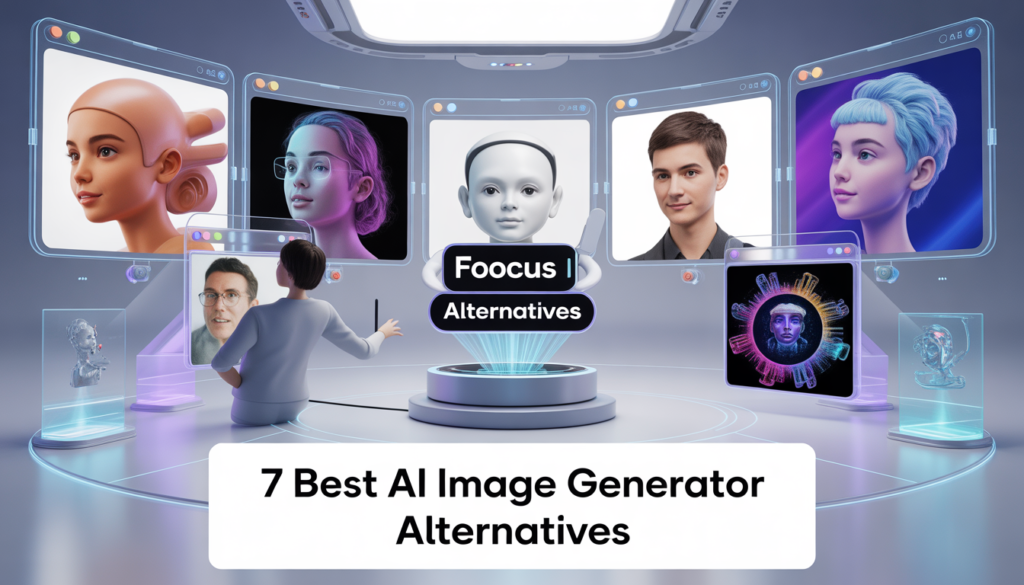
AI image generation has completely changed how creators design visuals, market products, and express creativity. Tools like Fooocus AI have made text-to-image generation easier than ever, even for beginners. However, no single tool fits everyone’s needs. Some users want more control, others need cloud-based solutions, faster rendering, better realism, or commercial licensing.
That’s where Fooocus AI alternatives come in.
In this article, we’ll explore the 7 best AI image generator tools you must try if you’re looking for powerful alternatives to Fooocus AI in 2026. We’ll cover features, use cases, pros, cons, and who each tool is best for.
Why Look for Fooocus AI Alternatives?
Before jumping into the list, let’s understand why users search for alternatives:
- Need for cloud-based access instead of local setup
- More advanced customization and fine control
- Faster image generation
- Better photorealism or artistic styles
- Commercial-use licensing
- Different UI or workflow preferences
While Fooocus AI is excellent, these tools may suit specific needs better.
1. Midjourney – Best for Artistic & Cinematic Images
Midjourney is one of the most popular AI image generators, known for producing visually stunning, artistic, and cinematic images.
Key Features
- Discord-based prompt system
- Exceptional artistic and cinematic quality
- Strong understanding of lighting, mood, and composition
- Frequent model updates
Pros
- Industry-leading image aesthetics
- Excellent for concept art and storytelling visuals
- No technical setup required
Cons
- Paid plans only
- No local installation
- Limited image editing options
Best For
Artists, designers, storytellers, and creators who want high-impact visuals without worrying about technical details.
2. DALL·E 3 – Best for Prompt Accuracy
DALL·E 3, developed by OpenAI, is known for its strong understanding of natural language prompts.
Key Features
- Extremely accurate text-to-image interpretation
- Integrated with ChatGPT
- Clean, detailed, and well-composed images
Pros
- Excellent prompt comprehension
- User-friendly interface
- Great for marketing and educational content
Cons
- Limited fine-tuning compared to local tools
- Usage limits on free plans
Best For
Users who want accurate, clean images from simple prompts without technical complexity.
3. Stable Diffusion (Automatic1111) – Best for Full Control
If you love Fooocus AI for local generation but want more customization, Stable Diffusion with Automatic1111 is the ultimate alternative.
Key Features
- Open-source and highly customizable
- Supports LoRA, ControlNet, inpainting, outpainting
- Works locally on your machine
Pros
- Complete creative freedom
- Large community and custom models
- No content restrictions
Cons
- Steep learning curve
- Requires a powerful GPU
Best For
Advanced users, developers, and professionals who want full creative and technical control.
4. Leonardo AI – Best All-in-One Platform
Leonardo AI combines ease of use with powerful AI models, making it a strong alternative to Fooocus AI.
Key Features
- Web-based image generation
- Multiple models and presets
- Texture and asset generation
Pros
- Beginner-friendly UI
- Good balance between control and simplicity
- Free tier available
Cons
- Generation limits on free plan
- Less control than local setups
Best For
Game designers, digital artists, and creators who want a cloud-based, flexible solution.
5. Adobe Firefly – Best for Commercial Safety
Adobe Firefly focuses on ethical AI and commercially safe image generation.
Key Features
- Trained on licensed and Adobe Stock content
- Seamless Adobe ecosystem integration
- Text effects and image generation
Pros
- Safe for commercial use
- Easy integration with Photoshop and Illustrator
- Clean and professional output
Cons
- Less artistic freedom
- Requires Adobe account
Best For
Businesses, brands, and professionals who prioritize copyright safety and compliance.
6. Playground AI – Best for Quick Experiments
Playground AI offers fast image generation with a simple interface, making it a good alternative for casual creators.
Key Features
- Web-based platform
- Uses Stable Diffusion models
- Simple prompt input
Pros
- Easy to use
- Free plan available
- No installation required
Cons
- Limited advanced controls
- Lower consistency compared to premium tools
Best For
Beginners and social media creators who want fast results with minimal effort.
7. NightCafe – Best for Community & Styles
NightCafe is known for its strong community and wide range of artistic styles.
Key Features
- Multiple AI models
- Style-focused image generation
- Community challenges and sharing
Pros
- Easy for beginners
- Creative and artistic results
- Free credits available
Cons
- Not ideal for photorealism
- Limited professional customization
Best For
Hobbyists and artists who enjoy creative exploration and community engagement.
Fooocus AI vs Its Alternatives (Quick Comparison)
| Tool | Best Use Case | Skill Level |
|---|---|---|
| Fooocus AI | Easy local generation | Beginner–Intermediate |
| Midjourney | Artistic visuals | Beginner |
| DALL·E 3 | Prompt accuracy | Beginner |
| Stable Diffusion | Full control | Advanced |
| Leonardo AI | Balanced workflow | Beginner–Intermediate |
| Adobe Firefly | Commercial safety | Professional |
| Playground AI | Quick images | Beginner |
| NightCafe | Artistic styles | Beginner |
Which Fooocus AI Alternative Should You Choose?
- Want full control? → Stable Diffusion
- Want stunning art? → Midjourney
- Want prompt accuracy? → DALL·E 3
- Want business-safe images? → Adobe Firefly
- Want simplicity? → Leonardo AI or Playground AI
Your ideal choice depends on your goals, technical skill, and workflow.
Final Thoughts
Fooocus AI is an excellent tool, especially for users who prefer local, hassle-free image generation. However, the AI image generation space is evolving rapidly, and these 7 Fooocus AI alternatives offer powerful features that may better suit your creative needs.
Whether you’re a designer, marketer, developer, or hobbyist, trying multiple tools will help you discover what works best for you.